
Creative control
The Benefits of Making Faceless Videos
Keep your personal life off camera and use illustrations, screen recordings, or close-ups to put the story first.
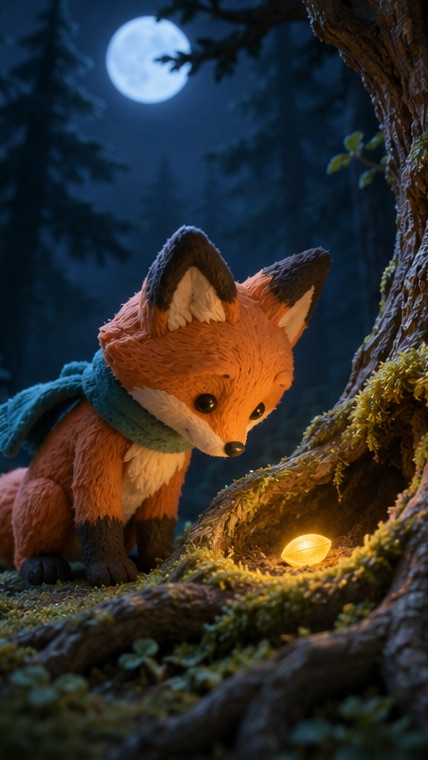
Imagine a Short that starts with a fox peering at a glow beneath a tree. The first shot gives the viewer a question before the narrator says a word. A faceless video can open on the detail that makes a story worth watching, whether that’s a clue in a fictional scene or a tiny change on a computer screen.
Keep your personal life off camera
You can publish under a channel name and decide how much of yourself to share. A cooking teacher can show hands and ingredients. A software trainer can record a demo account with sample data. An illustrator can show the work in progress and narrate what changed along the way.
Before exporting, skim the final cut for personal details you might have captured by accident. Close notifications before a screen recording, check the browser tabs and account names in view, and look for addresses or reflections near anything you film. Use captions or a synthetic voice if you also want to keep your own voice private.
Show the detail your viewer came for
Build each scene around what the viewer needs to see. In a coffee tutorial, show a close-up of the grind so viewers can see its texture. In a software walkthrough, zoom in on the menu they need to click. In a history Short, use a map to show how far someone traveled. Give the audience enough time to notice the detail before you move on.
A useful storyboard check is to read each line of narration while looking at its image. If the line explains a change, show the two states. If it names a small feature, frame it so a viewer can find it on a phone. A shot earns its place when it helps the audience follow the idea.
Start with the materials you already have
You can make a video without setting up a camera, lighting an interview, or finding a place to film. A few screenshots can become a walkthrough. A small set of drawings can illustrate a story. Add narration to explain what connects the scenes, and check that the captions are readable on a phone.
Try one story in three shots
Pick a question you can answer in under a minute. Start with the detail that raises the question, show the evidence or the step that explains it, then finish with the result. For a Short about why stars leave trails, open on the arcs in a night sky, show how the sky appears to move as Earth rotates, and end on a long exposure that records the path. Each shot has a job, and the viewer can follow the story from the first frame.